01PROCEDURAL WORLDS
Explore generated terrain
Start with a seed. Explore forests, deserts, oceans and caves in a world that generates as you go.
A FREE BROWSER BUILDING GAME
Pick a landscape, choose your blocks and start building. Fly, undo edits and save your world in this browser.
Free to play. No download. No account.
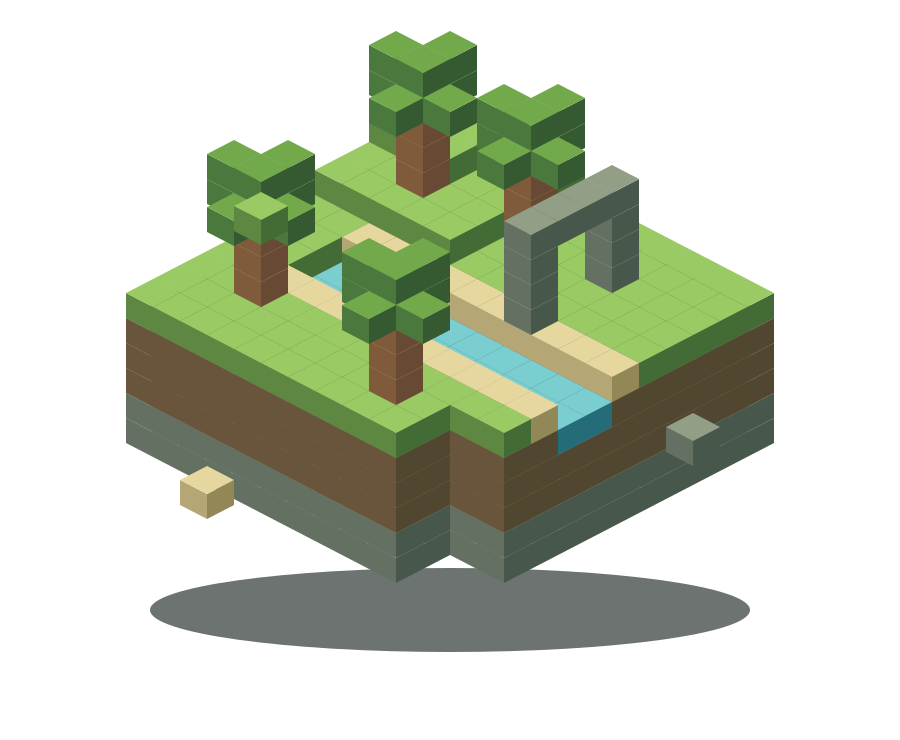
SANDBOX MODE
Single-player creative building, with generated terrain and a block picker. Everything you need to start is already in the game.
Start with a seed. Explore forests, deserts, oceans and caves in a world that generates as you go.
Choose blocks, stairs and half-blocks from the picker. Place, remove and undo edits, then fly around to inspect your build.
Return to your saved world in this browser. Copy a world code to back it up, share your edits or move it to another device.
Pick one of six terrain presets. Leave the seed blank for a random world, or enter a seed to repeat the same terrain.
Move with WASD and look with the mouse. Press F to fly and Space to climb. Touch devices have on-screen controls.
Press E to open the block picker. Right-click to place, left-click to remove and Ctrl+Z to undo. Escape opens saves and settings.
GOOD TO KNOW
JustBuild.World is a free, single-player voxel sandbox game you play in your browser. Its worlds are made of blocks you can place and remove. Sandbox Mode focuses on exploring and creative building.
No. Open the game, choose a world and start playing. There is no installation or sign-up. You need a modern browser with WebGL support.
Yes. Changes autosave locally in the browser you use to play. Keep using the same browser and device to return to your world. Clearing browser site data removes local saves.
JustBuild.World is single-player. In the pause menu, use Copy world code to share a saved world, including your edits. The recipient can use Load world code to open their own copy. A seed shares only the starting terrain; you cannot build together live.
On a computer, use WASD to move, the mouse to look, Space to jump and F to toggle flight. Left-click removes a block; right-click places one. Press E to choose blocks and Escape to pause. Touch controls are also available on touch devices.
READY TO BUILD?
Choose a preset and start placing blocks.
Play JustBuild Free to play · No download · No account